Monitors for pathology
To the monitors for pathology
The digitalisation of pathology has made it easier to assess the smallest cell and tissue structures, which are now transferred to screens via high-quality opto-electronic microscopes, where they can be viewed in the greatest detail. The monitors must provide an excellent image quality so that even the slightest changes or anomalies can be detected.
Ideal for the specific requirements of pathology
EIZO’s PX monitors are optimally equipped for this challenge because they not only feature excellent screen resolution but also reproduce colors with extreme accuracy. High (spatial) resolution, a wide color gamut, a deep black level, uniform illumination, display characteristics that can be calibrated to meet individual requirements, and, last but not least, consistent display quality ensure uniform image quality even when displaying the finest tissue structures.
What is important when choosing a monitor for pathology


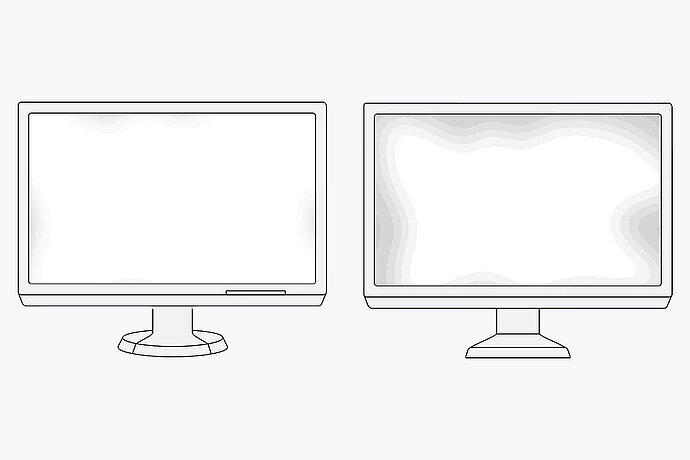


Other important points
Image brightness
The Bundesverband Deutscher Pathologen e.V. (National Association of German Pathologists) recommends an image brightness of at least 300 cd/m2 for monitors used in pathology diagnostics. This roughly corresponds to what you would see under a conventional microscope. To maintain a consistent brightness over time, monitors that offer much higher brightness levels are recommended to provide a buffer to allow for the aging of the device and stricter brightness standards in the future.
Contrast
To ensure high differentiability in dark and bright areas on an image and be able to control homogeneity, a contrast ratio of min. 1000:1 (static contrast ratio) is recommended for a monitor used in pathology diagnostics.
Billions of colours for precise colour gradation
It is important for the work of pathologists that all monitors meet the established colour standards.
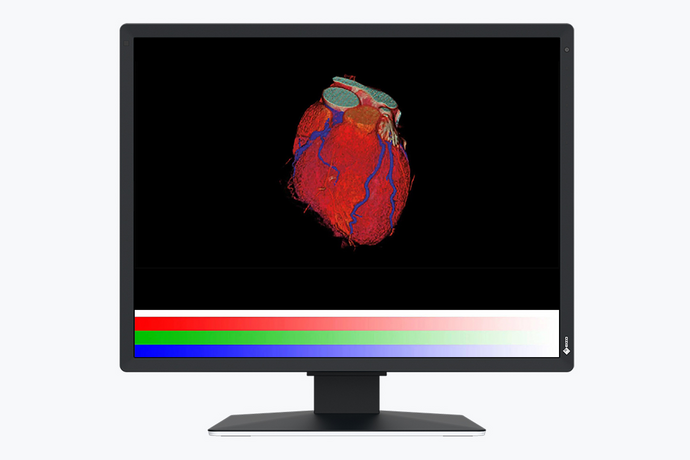
Colour gradient with 13-bit LUT
Quality control software
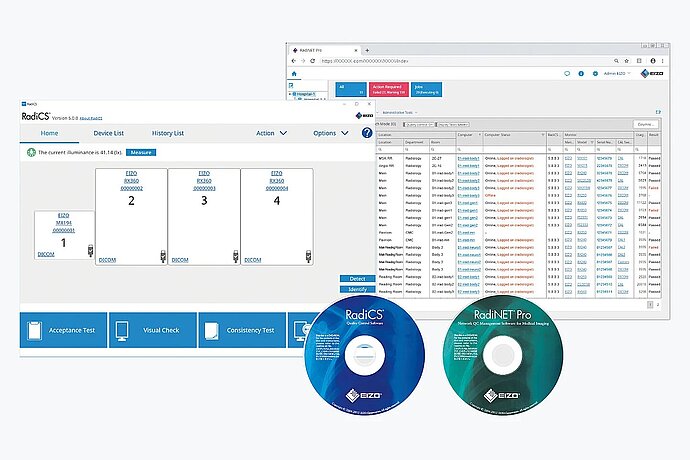
Quality control software for medical monitors helps in performing monitor validation tests according to national and international quality standards and in adapting the monitor to the specific working environment.
Learn more
EIZO Pathology Guide
The advantages of EIZO PX monitors for pathology
- Large-format monitors
- An individual reproduction curve can be calibrated
- Excellent colour differentiation
- Large look-up table for correct colour reproduction
- Deep black levels
- Brightness stability sensor for long-term monitor quality
- Long product life cycle
EIZO monitors for use in pathology

Software solutions for ensuring image quality
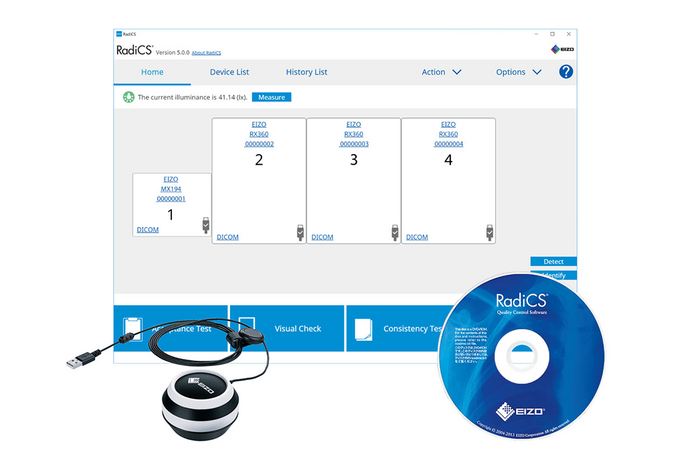
Optimal Quality Assurance for Image Display Systems in Medical Applications
Monitor quality management – including calibration, acceptance testing, and stability testing – all in one program. The software is easy to understand, simple to use, and can even fully automate the metrological stability tests for image display devices in radiology. The RadiCS quality control tool is capable of end-to-end monitor quality management, starting with calibration and acceptance/consistency testing through to network-supported quality assurance management in conjunction with RadiNET Pro. Moreover, RadiCS is simple to understand, easy to use and suitable for RadiForce and non-RadiForce monitors. RadiCS also allows you to control EIZO’s Work-and-Flow functions to deliver user-friendly workflows. This includes, for example, the Point-and-Focus functionality, which serves to quickly select and zoom in on relevant image areas using the mouse or keyboard.
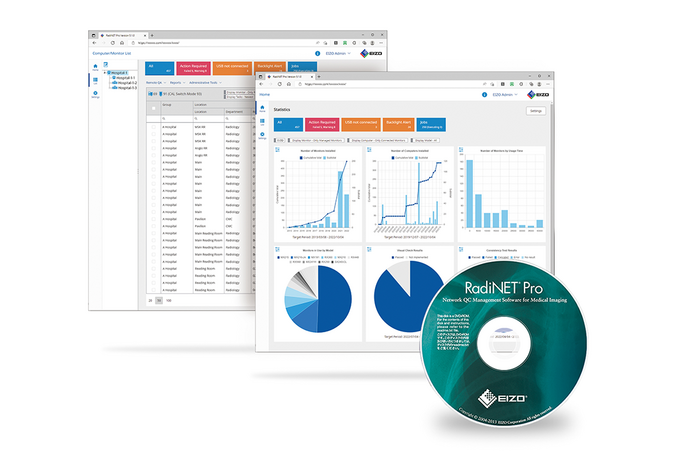
Quality management for all in-hospital monitors
The RadiNET Pro software from EIZO enables the centralised and hence efficient quality management of all hospital monitors connected within the network. The browser-based application provides easy access to the information the user needs. The administrator can conduct or schedule quality control operations from anywhere in the hospital easily and promptly. Inventory information, for example, the model name and usage time of monitors, can be managed in RadiNET Pro. In addition, information such as the connected computers and graphics boards, the medical facility and the installation location can also be recorded. Along with that, detailed information on each monitor can be consolidated into a report on request.